Tired of static screenshots failing to capture the magic of your CLI wizardry? Sometimes you need to show off your tools in motion. Recently, I stumbled upon a charming little tool called VHS from Charmbracelet that allows you to record your terminal sessions in a beautifully consistent way. Let's explore how to use it and some of its features.
Terminal GIFs as Code
Write terminal GIFs as code for integration testing and demoing your CLI tools. VHS is a Go library that records your terminal sessions and outputs them as GIFs as well as other formats like mp4. It's a great way to show off your CLI tools in action as sometimes a screenshot just doesn't cut it.
Record Tapes: Capture Your Terminal Sessions
VHS records your terminal sessions into tapes. A tape file is a series of instructions or commands that represent your terminal session. You can then replay these tapes so they render into GIFs and other formats. You can customize the output formats, colors, themes, font sizes, typing speed, and more. This is great for creating consistent demos of your CLI tools. Recording a tape file is better than just recording the terminal directly as it allows you to have more control and reproducibility. See the VHS Command Reference for more details.
A quick way to get an initial tape is to use the vhs record command. This will start recording your terminal session into a tape file. You can then stop recording by typing exit.
vhs record > cassette.tapeHere is an example tape file:
# Where should we write the GIF?
Output demo.gif

# Set up a 1200x600 terminal with 46px font.
Set FontSize 46
Set Width 1200
Set Height 300

# Type a command in the terminal.
Type "echo 'Welcome to VHS!'"

# Pause for dramatic effect...
Sleep 500ms

# Run the command by pressing enter.
Enter

# Admire the output for a bit.
Sleep 5s
Play Tapes: Render Outputs (GIFs)
Once you have a tape file, you can replay it to render GIFs and other formats. You can use the vhs replay command to replay a tape file. This will render the tape into a GIF file by default. You can also specify other output formats like mp4, etc. You can tweak all the various style settings to get it just right.
Here is an example of rendering a GIF from the above tape file:
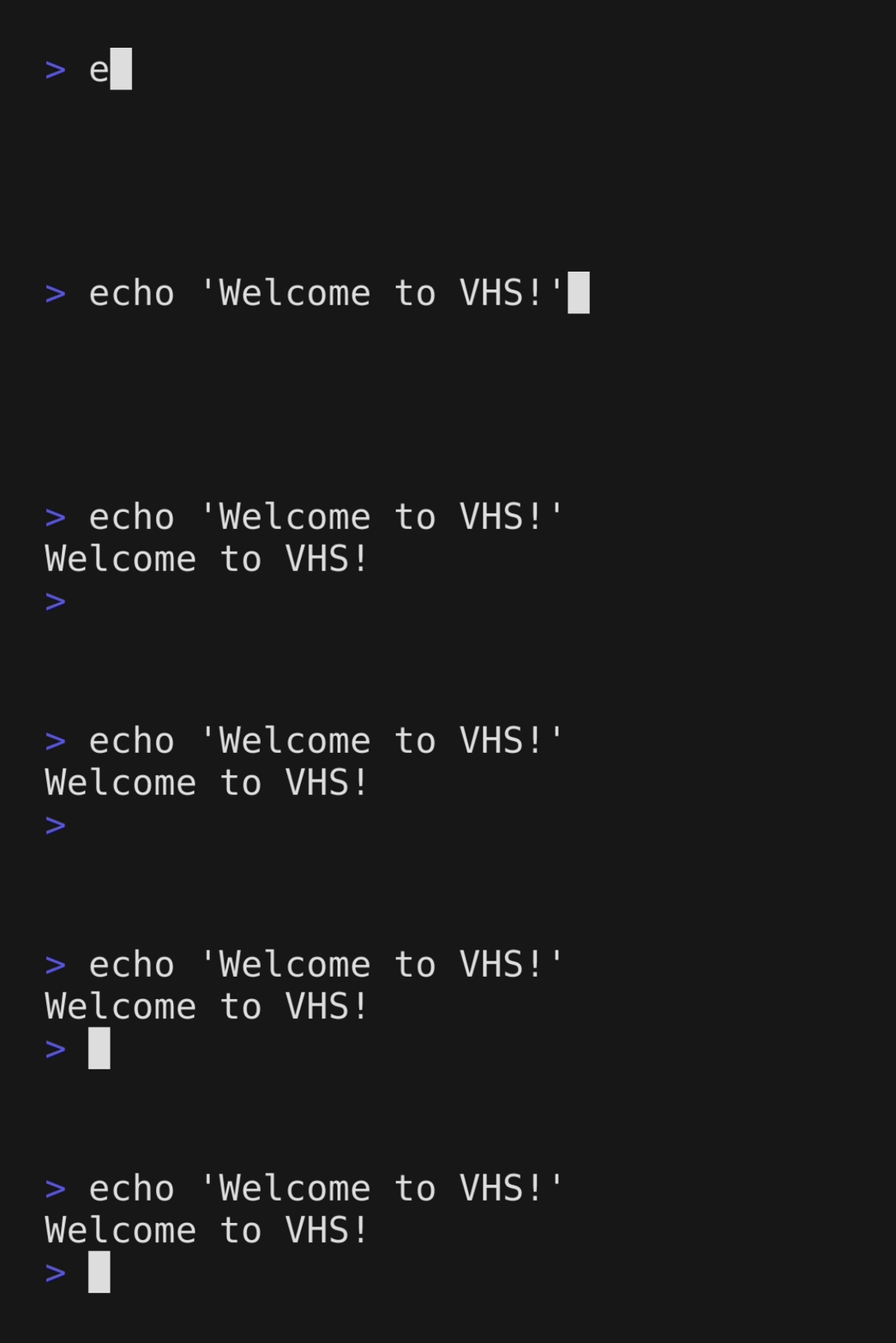
vhs cassette.tapeHere is the GIF output from the above example tape file:
Publish Tapes: Sharing Made Simple
Once you have your GIFs, you can easily share them with others. You can embed them in your documentation, blog posts, or even your GitHub READMEs. You can also simply publish them to their servers for easy sharing using the publish subcommand. This hosts them on vhs.charm.sh. The output provides a link to share your GIFs with others.
❯ vhs publish demo.gif
Share your GIF with Markdown:
Or HTML (with badge):
<img src="https://vhs.charm.sh/vhs-2sbLBRPQRiJHxruJda9hbW.gif" alt="Made with VHS">
<a href="https://vhs.charm.sh">
<img src="https://stuff.charm.sh/vhs/badge.svg">
</a>
Or link to it:
https://vhs.charm.sh/vhs-2sbLBRPQRiJHxruJda9hbW.gifCI/CD Integration: Automate Your Demos
You can integrate VHS into your CI/CD pipelines to automatically generate GIFs of your tools in action. This is a great way to ensure your demos are always up to date and consistent. You can also use it to create integration tests for your CLI tools. You can record your terminal sessions and replay them to ensure your tools are working as expected.
See charmbracelet/vhs-action and Continuous Integration (CI) for more details.
Showcase Your CLI Tools
VHS is a great tool for showcasing your CLI tools in action. It's a fun way to create consistent demos that show off your tools in a visually appealing way. It's also a great way to create integration tests for your CLI tools. You can record your terminal sessions and replay them to ensure your tools are working as expected.
Here are some other examples of VHS tapes from a gh2gl tool I've been working on:
Migrate GitHub repositories to GitLab projects.
Configure consistent Protected Branch Settings for GitLab projects.
Configure Merge Approval Rules for GitLab projects.
Configure Merge Method for GitLab projects.
Set up GitLab as a remote for existing local GitHub repositories.

Conclusion
VHS is a charming tool that allows you to capture your CLI magic in motion. It's a great way to showcase your CLI tools in a visually appealing way. It's also a great way to create integration tests for your CLI tools. Give it a try and see how it can help you show off your tools in a whole new light.