Integrating SyncThing and Duplicati can offer an accessible self-hosted Dropbox-like experience, allowing you to keep your files synchronized across multiple devices while ensuring they are securely backed up offsite with end-to-end encryption.
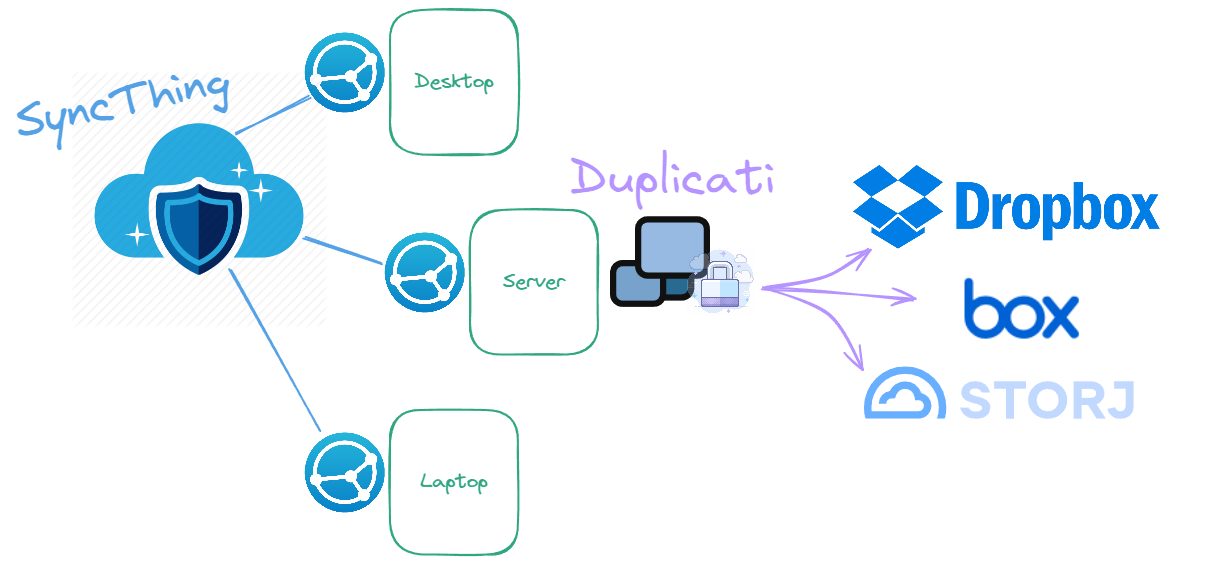
SyncThing will manage the synchronization of files between your devices, and Duplicati will handle the encrypted backup to a cloud storage provider of your choice. This approach combines the benefits of having files readily available across devices with the reliability and security of an encrypted offsite backup, protecting your data from loss and unauthorized access.
SyncThing
SyncThing keeps all my files synchronized across my devices. It's decentralized, so it doesn't require a centralized server, instead, my devices discover and connect directly to each other. This means my files are never stored on a 3rd-party server and are only accessible to me and the devices I've authorized. Their security ensures all communication is encrypted and authenticated, and it's an open-source MPL-2.0 License.
NOTE
I'm a big fan of linuxserver.io, so I use their Docker image to run SyncThing on my server. Find out more information from their documentation or checkout their GitHub.
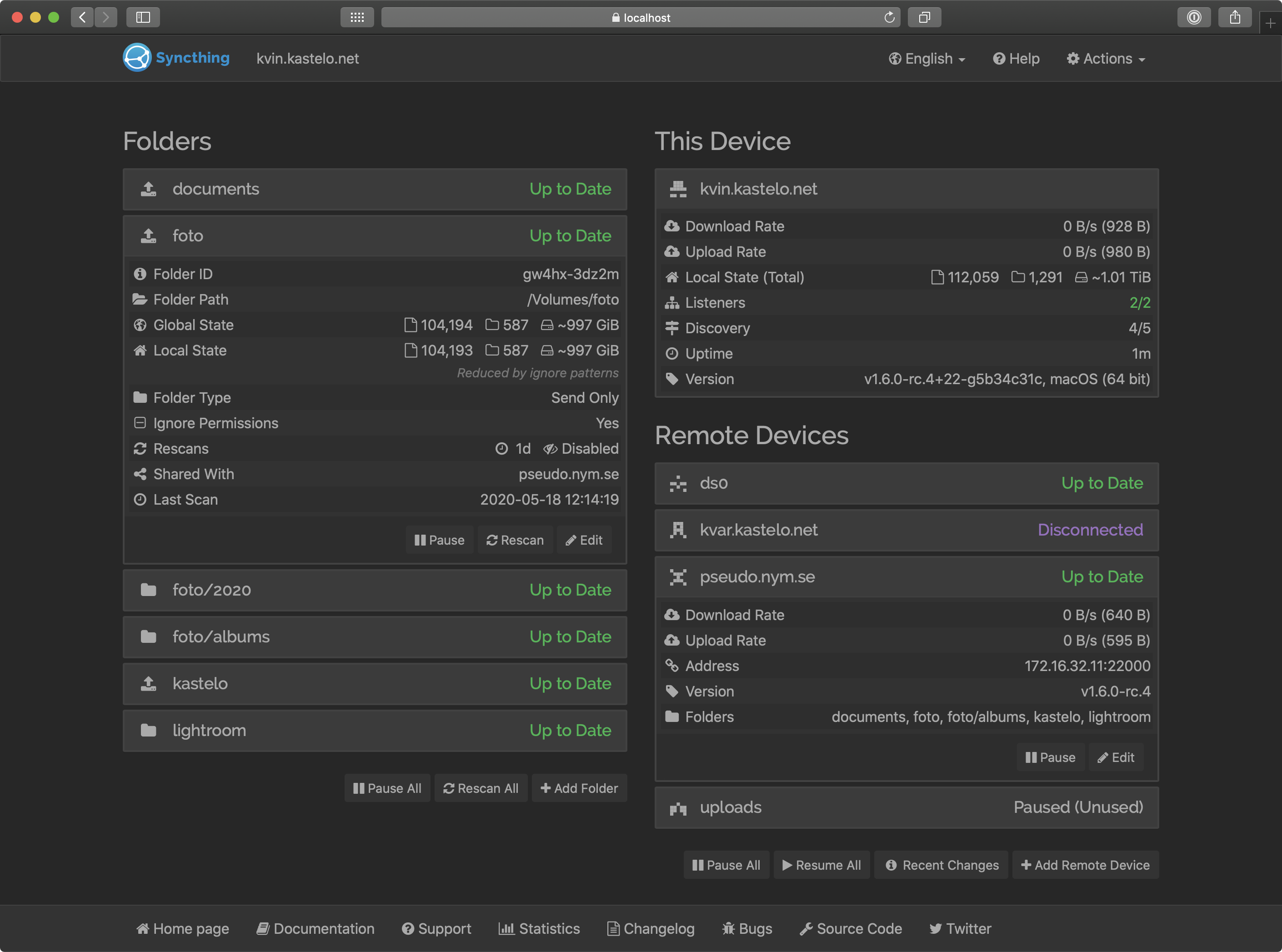
Create as many Folders as you need, and share them with your devices. You can also set up versioning to keep a history of changes. I found the following folders useful:
- Drop: A folder where I can drop files I want to sync across all my devices. I try to keep this lightweight and avoid large clunky files, just stuff I might need at a moment's notice.
- Personal: My personal files, like documents, photos, and videos.
- Work: Work-related files that aren't necessarily sensitive or confidential, but just stuff I may need access to from different devices, or perhaps a running archive of interesting projects, demos, or presentations I may want to keep.
- Backup: A folder where I can backup files from my devices. I include this in my Duplicati backup job to the cloud to ensure there is an offsite backup of my files. I have a directory in here for each of my devices and have Duplicati jobs that will respectively sync their files into each directory. Since it's in SyncThing, I can just locally copy files into the directory, and I have the peace of mind, knowing they will be synced to my server and then backed up to the cloud.
Here is a generic example showing folders shared between devices:
Duplicati
Duplicati is a free, open-source backup client that securely stores encrypted, incremental, compressed backups on cloud storage services and remote servers. It's a zero trust, fully encrypted backup solution ensuring my data is simply safe. At the time of writing, it's also open-source, see their LICENSE.
NOTE
I've used both Duplicati's Docker Image and Linuxserver's Docker Image to run Duplicati on my devices. You can also download desktop versions for Windows, macOS, and Linux.
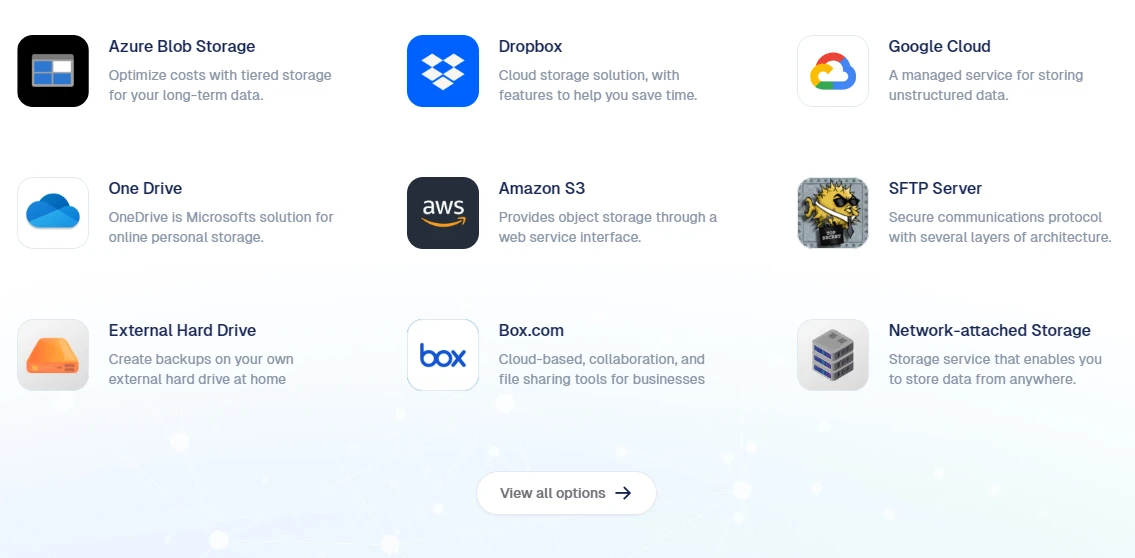
Duplicati works with a variety of storage providers, including Amazon S3, Google Drive, Microsoft OneDrive, and Backblaze B2, etc. Duplicati has many Integrations to choose from:
I run Duplicati on each of my devices with a simple backup job that just locally saves files to a directory that SyncThing keeps synchronized between all my devices. This way I have at least an easily-accessible local backup of my files on each device, and then my server will back them up to the cloud with it's own Duplicati job.
Since I signed up early to Box during some promotion, I have a lot of free storage there, so I use that as my backup destination. StorJ is super innovative and has very competitive pricing, so I also use them. They are similar to Cloud Storage providers like Amazon S3, but they use a decentralized network of nodes to store your data, which feels like the smarter way. So I have data backed up to 2 different providers! I can easily restore from Box without having to pay for egress, but I can also restore from StorJ in the event of a disastrous scenario.
What Can the Storage Provider See?
Well, not much, they're encrypted you see. The storage provider can see the encrypted files, but they can't see the contents of these files. This is because Duplicati encrypts the files before sending them to their destination. They also compress and chunk the data, so filenames and metadata are scrambled and they are optimally stored in the cloud to reduce space and bandwidth.
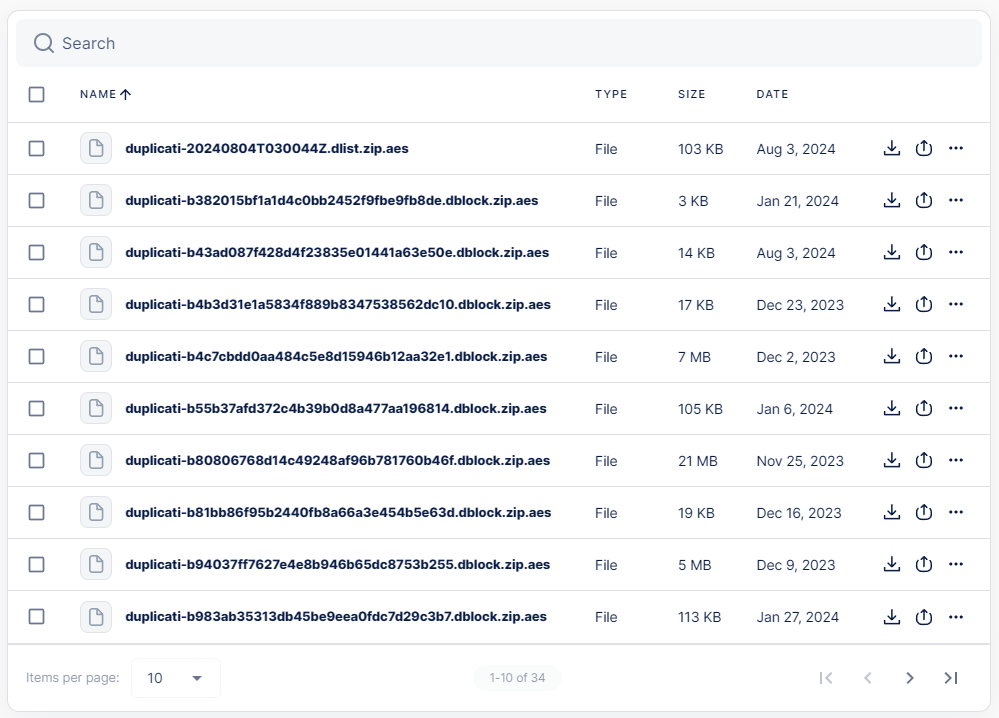
If you're interested to learn more about how Duplicati encrypts your data, check out How the backup process works.
Conclusion
SyncThing and Duplicati are a powerful combination for managing your files across devices and ensuring they are securely backed up offsite. By integrating these two tools, you can create a self-hosted Dropbox-like experience that keeps your files synchronized and protected from loss and unauthorized access. This approach gives you full control over your data and peace of mind that it is safe and accessible whenever you need it.